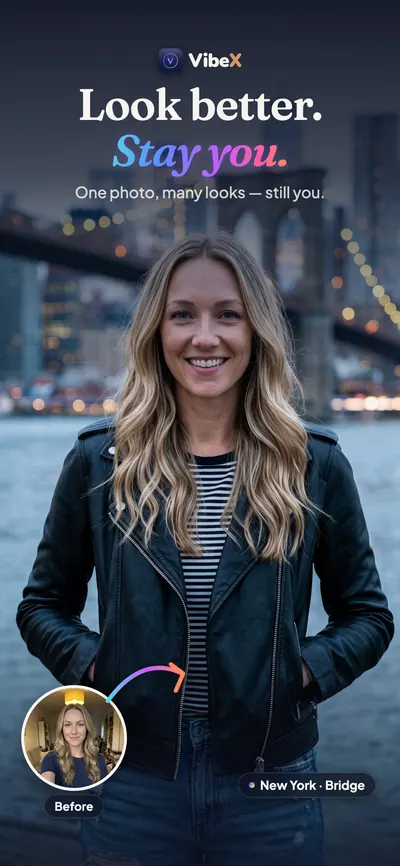
Look better. Still you.
VibeX turns a single selfie into studio-grade portraits that still look like you. AI photo apps usually hand you back a stranger; VibeX is built around the opposite promise — new place, new light, new style, but the face looking back is yours. Every result goes through an identity-first pipeline and a built-in similarity check.
- iPhone
- 13 languages
- Right-to-left Arabic
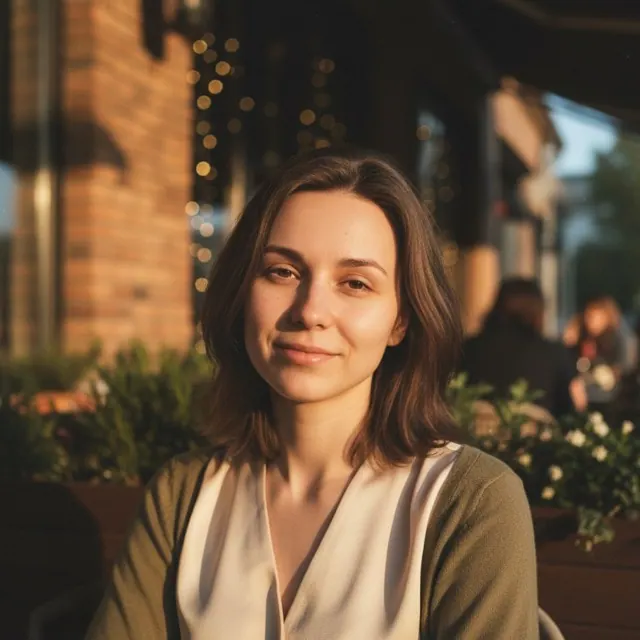
- selfie is all it takes
- 1
- studios: Social, Business, Dating, ID Photo
- 4
- people in one frame, each still themselves
- 3
- languages, right-to-left Arabic among them
- 13
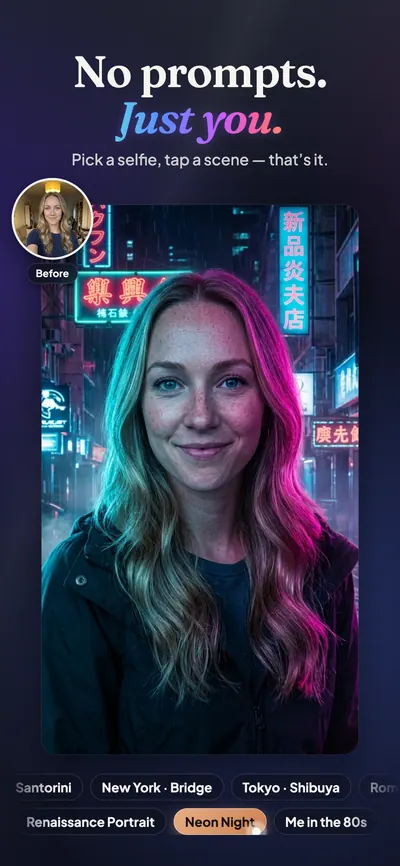
No prompts
Pick a selfie, tap a scene. That's it.
Nothing to write, nothing to tune. The scenes are ready; the only input is your face — and the result is checked against it before you see it.
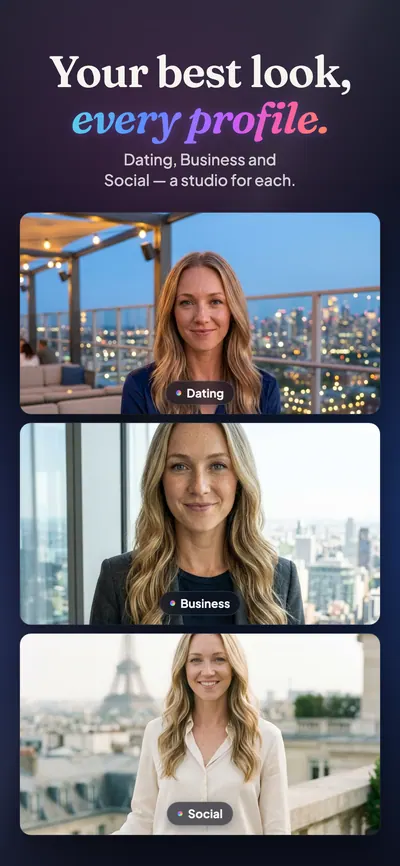
Four studios
The right look for every profile.
Social, Business, Dating and ID Photo, each with its own scenes and crops. Results come out at full resolution, already cut for the platform they're going to.
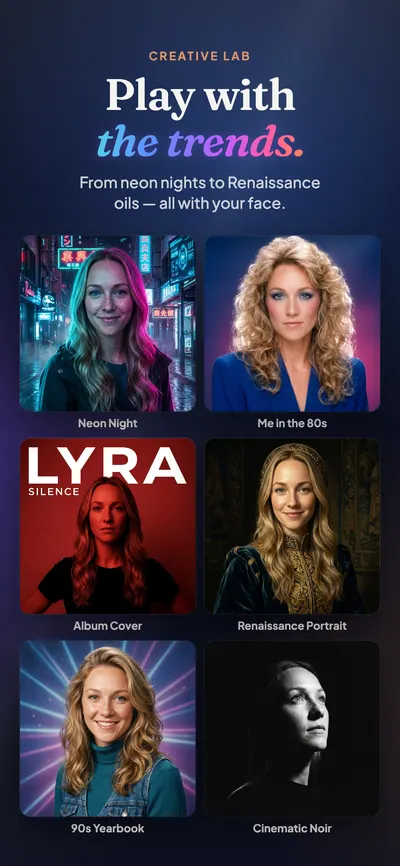
Creative Lab
Play with the trends.
80s Aerobics, Y2K Flash, Photo Booth, Animated Character — the looks everyone is trying, with your face kept intact. Surprise Pack gives you three at once; Style Mixer and Variant take a result somewhere new.
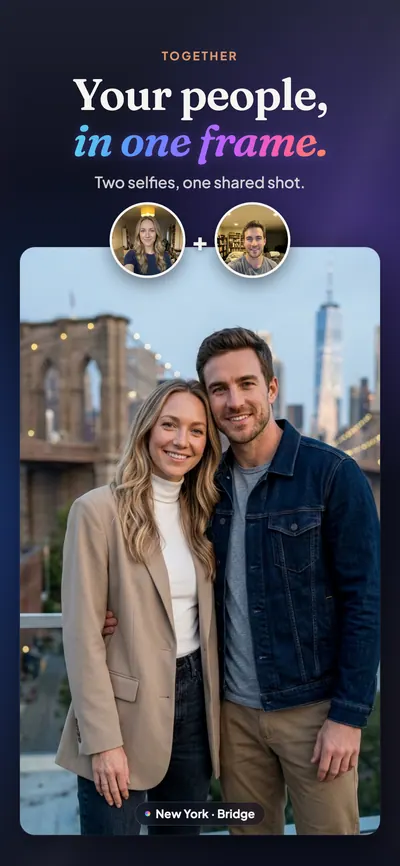
Together
Two or three people, one frame.
Bring two or three selfies and VibeX puts you in the same shot — and everyone in it still looks like themselves.
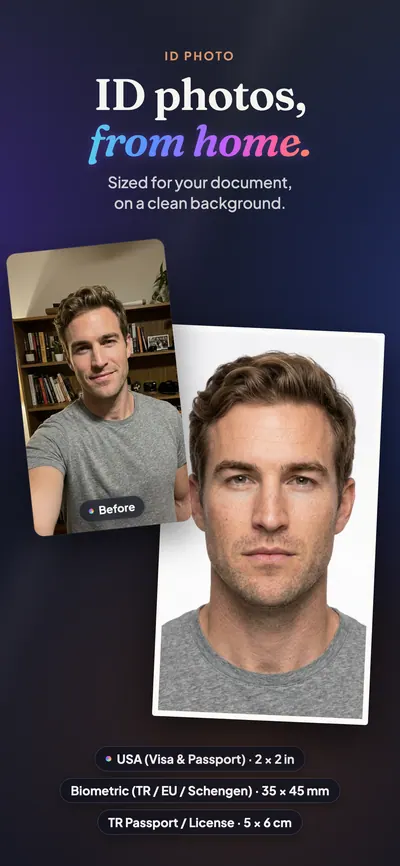
ID Photo
ID photos, from home.
Sized to common official formats — Türkiye, EU and Schengen, US visa and passport, China visa and more — on a clean background. Official acceptance is not guaranteed; the office that takes it decides.
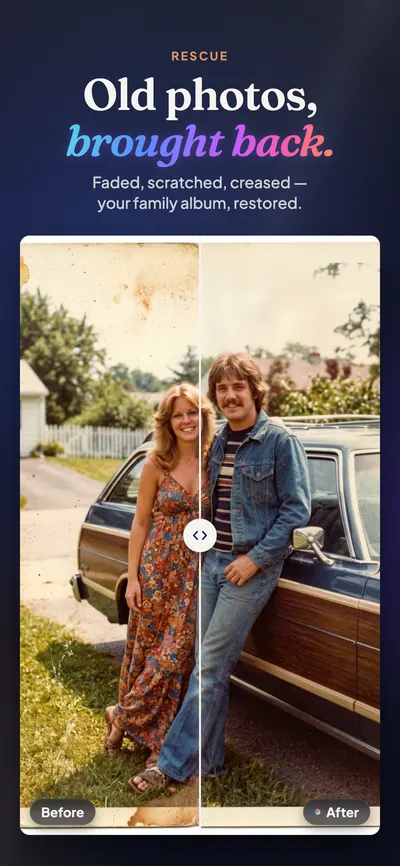
Rescue
Old photos, brought back.
Faded, blurred, scratched or creased — Rescue repairs the family album and keeps the people in it who they were.
- New
Beautify Me
Your photo, retouched — not redrawn.
Choose a photo of your own and let AI suggest retouches. You decide which ones happen, and only those places change. The background, your clothes and — if it's locked — your hair come from the original photo; the merge happens on your phone.
- More than one person in the frame? You choose who gets retouched; everyone else stays exactly as they were.
- Skin, under-eyes, teeth, brows, beard, wrinkles and more — the suggestions are a starting point; the last word is yours.
- Hair, skin tone, moles and freckles can be locked, and anything locked stays exactly as it is.
- The result comes in Light, Balanced or Pronounced, and the level changes instantly on the phone.
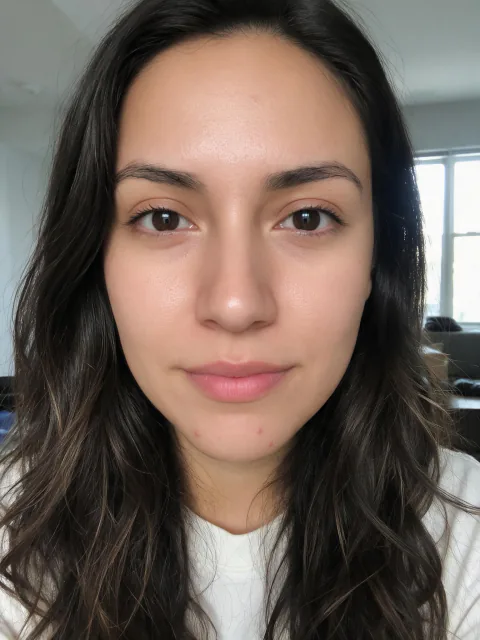
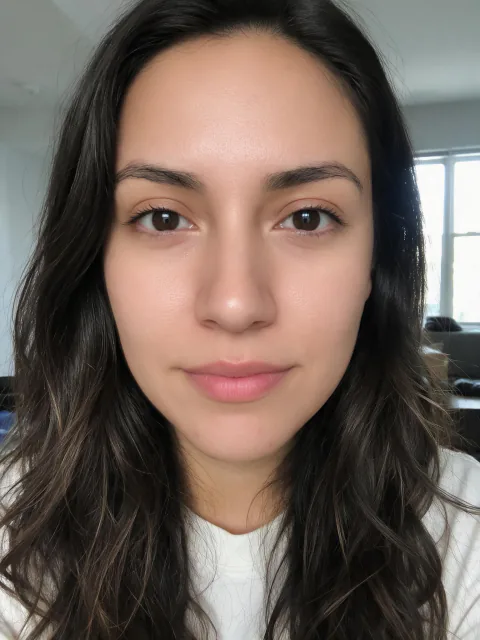
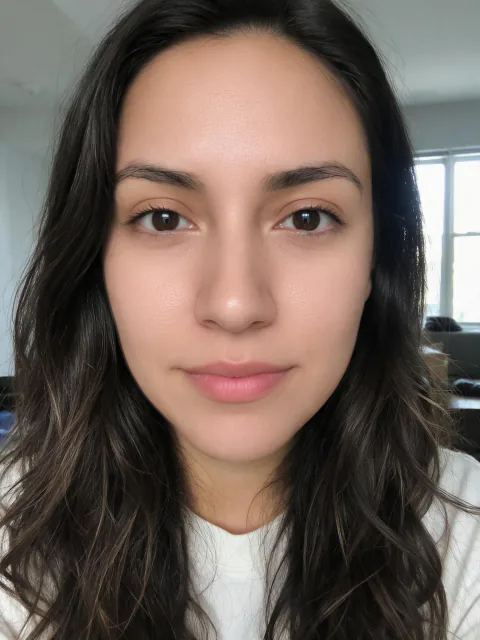
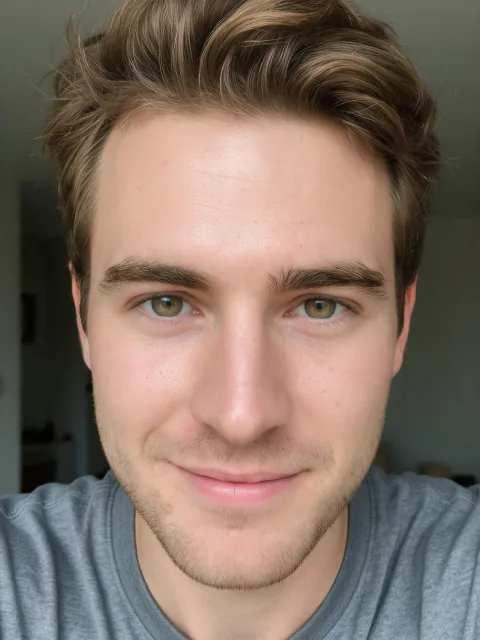
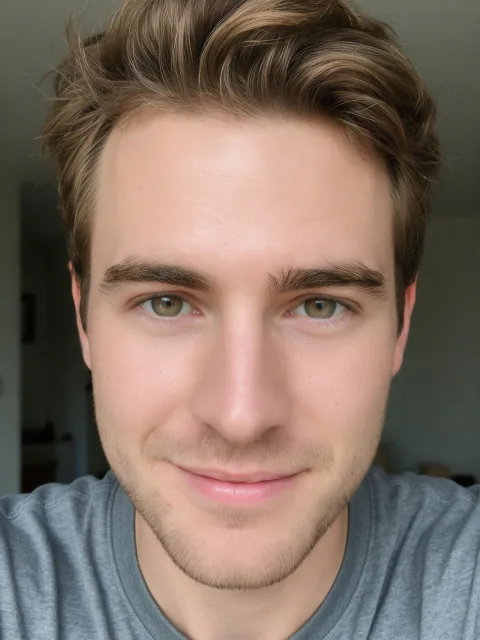
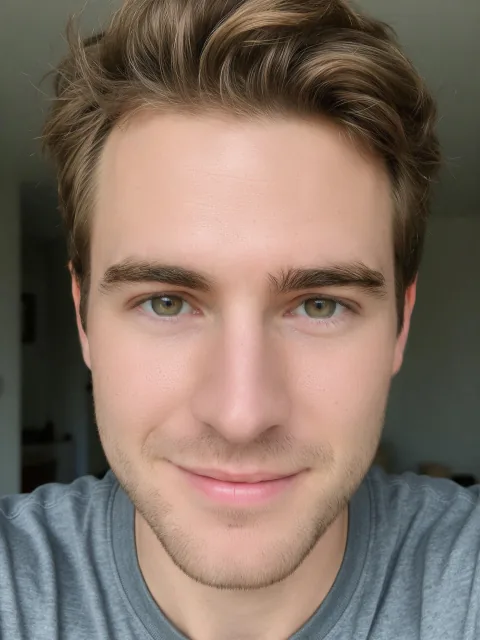 BeforeLightBalancedPronounced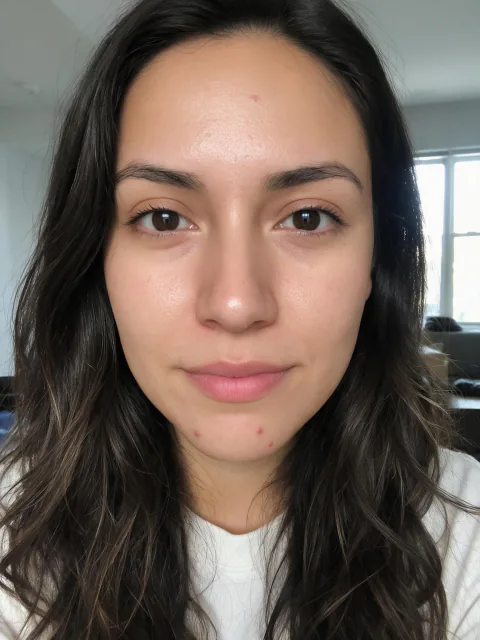
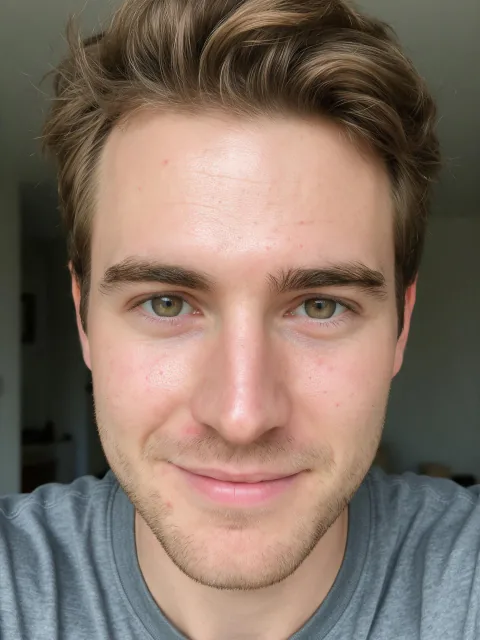
Beautify MeLightBalancedPronouncedPicked: skin, under-eyes · Locked: hair Drag across the photo: the original on the left, the retouch on the right. Hover over it and a loupe shows the skin up close.


Beautify Me, up close
You decide what changes.
AI looks at your photo and suggests what might help; only what you pick from the list gets done. The locks settle, before anything starts, what never changes.
Behind the retouch
Made once in the cloud, finished on your phone.
Five models, judged blind
The model behind the retouch was chosen by comparing five image models blind: their results were ranked side by side without knowing which model made which.
One retouch, three levels
The model makes a single strong retouch. Light, Balanced and Pronounced are blends of it with your original, made on the phone — changing level needs no new generation, so it's instant.
Aligned before it's merged
The model's result is laid onto your original with face landmarks and optical flow, so the retouch lands exactly where it belongs.
Outside the mask, the original
Only the areas you picked go into the mask. Every pixel outside it is your original, unchanged: the background, your clothes, locked hair, and everyone else in a group photo.
Your photo is sent only after you give explicit permission, and it isn't used to train models. The people in these examples were generated with AI; they show no real person. Privacy policy
Identity first
Same face, new light.
Drag across: the place, the light and the clothes change; the face does not. That is the whole point.
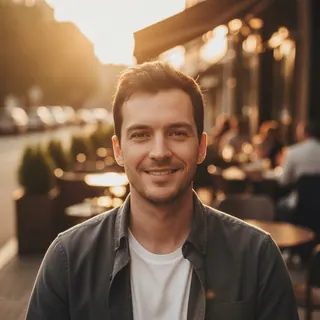
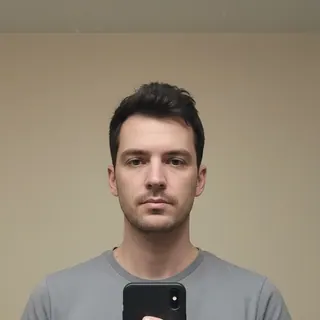
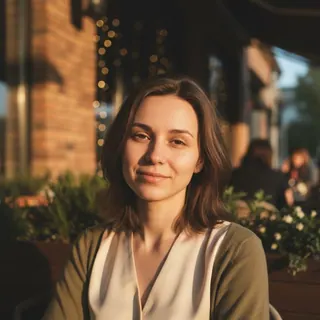
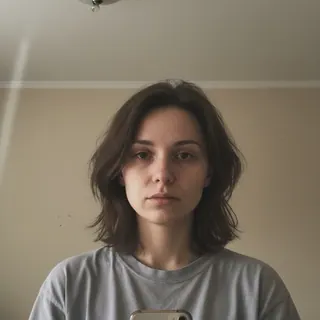
Example images, generated for this page. They show no real person.
The App Store set
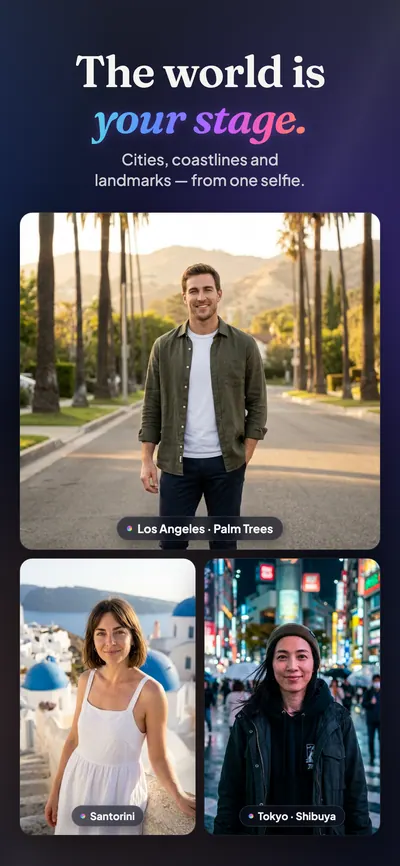
How it's built
A native app with a careful pipeline behind it.
A SwiftUI iPhone app in thirteen languages, right-to-left Arabic included. Generation runs on the server through an identity-first pipeline with a similarity check; quick edits — light, colour, exposure, vignette — happen on the device and cost no credits.
- SwiftUI
- Swift
- Supabase
- Edge Functions
- Upstash
- App Attest
- Sentry
Checked before you see it
A built-in similarity check compares every result with your selfie.
Before and after, kept
History keeps each result next to the photo it came from.