Everyday conversions that never leave your device.
Converters and compressors for images and video that run entirely in the browser. Resize an icon for every App Store slot, turn a picture into an ICO, a PDF or SVG code, re-encode a video at the resolution you need — nothing is uploaded anywhere.
- Web
- Runs on the device
- files uploaded to a server
- 0
- image outputs: PNG, JPG, ICO, PDF, SVG
- 5
- video presets, from SD to Full HD
- 4
Start
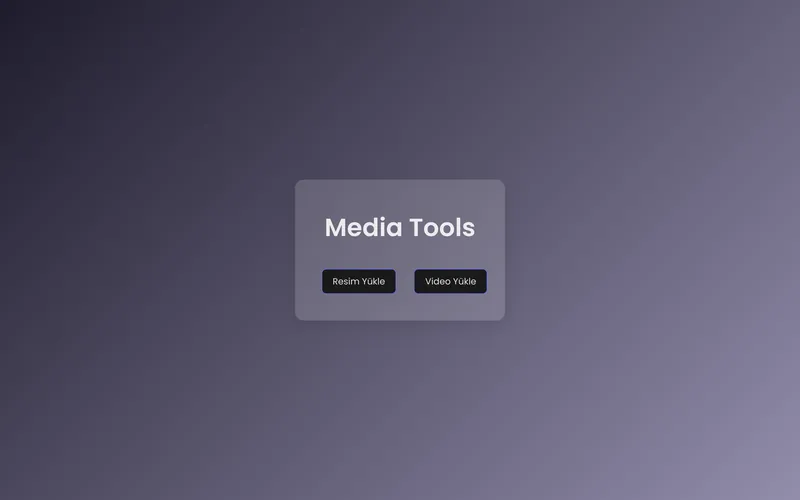
Drop an image or a video.
Two buttons, and the file stays on your machine.
Images
Every size you keep looking up.
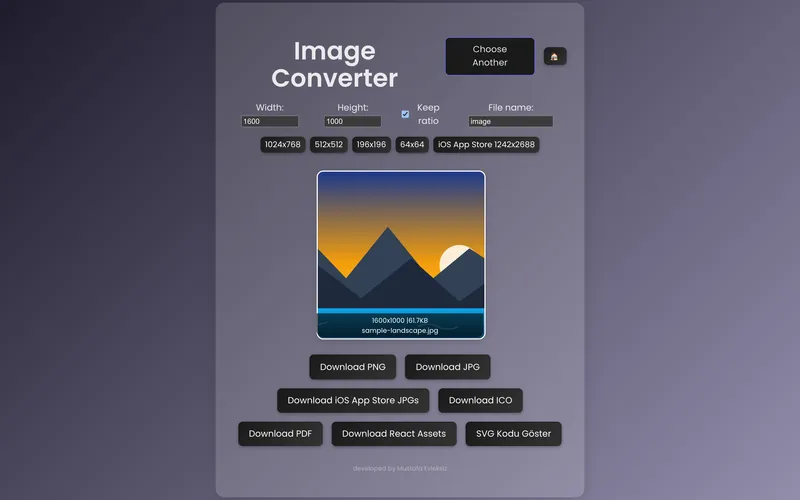
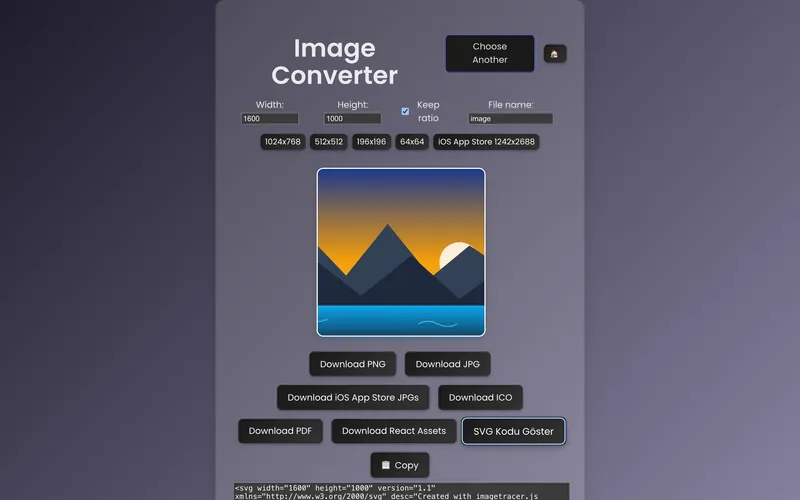
Presets for common sizes and App Store screenshots, the aspect ratio locked or unlocked, and exports to PNG, JPG, ICO, PDF, a set of iOS App Store JPGs or React assets.
Video
Re-encode at the size you need.
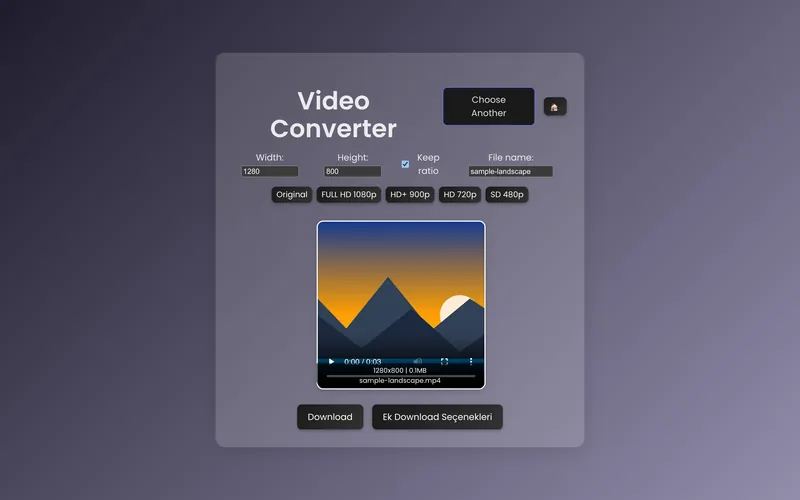
Pick Full HD, HD+, HD or SD, or set the size yourself.
SVG
A picture, as code.
Get the SVG markup of an image and copy it straight into a project.


On a phone
Works where the photo is.
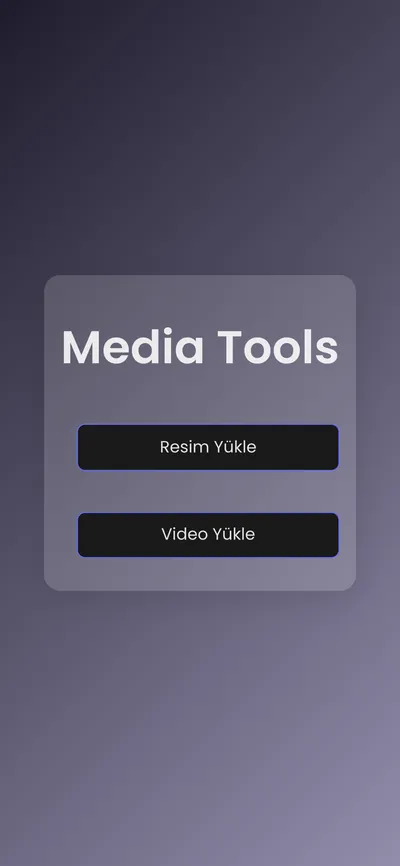
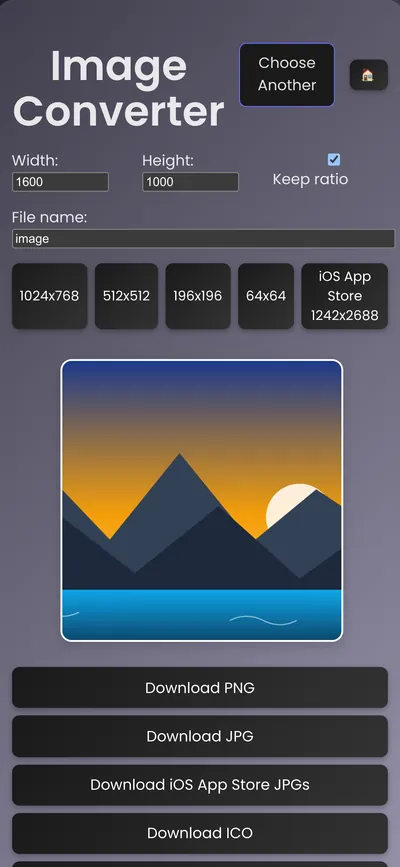
The same tools in a phone's browser.
How it's built
The browser does the work.
React with the Canvas API: images are decoded, resized and encoded on your device, so there is no server to send them to.
- React
- Canvas API